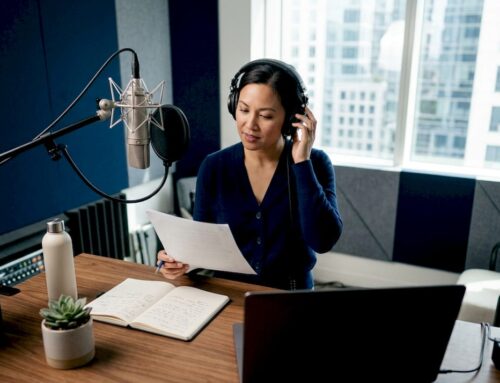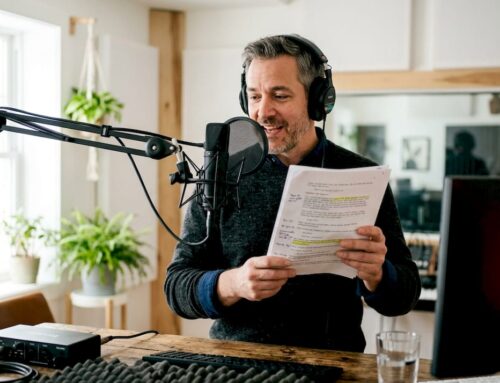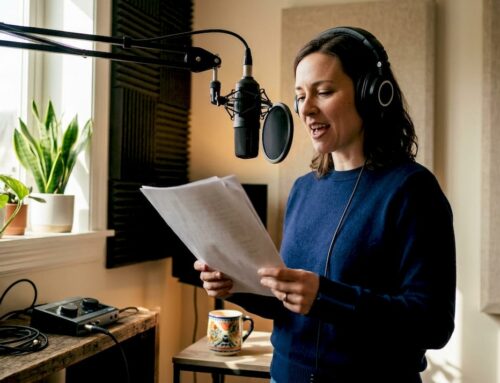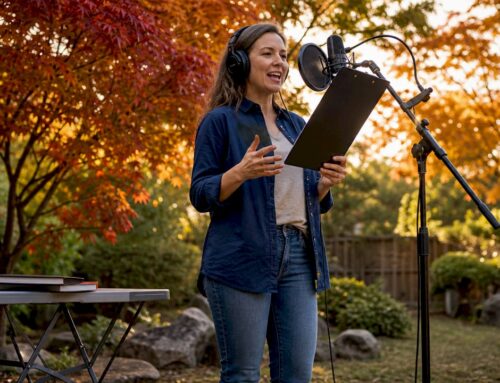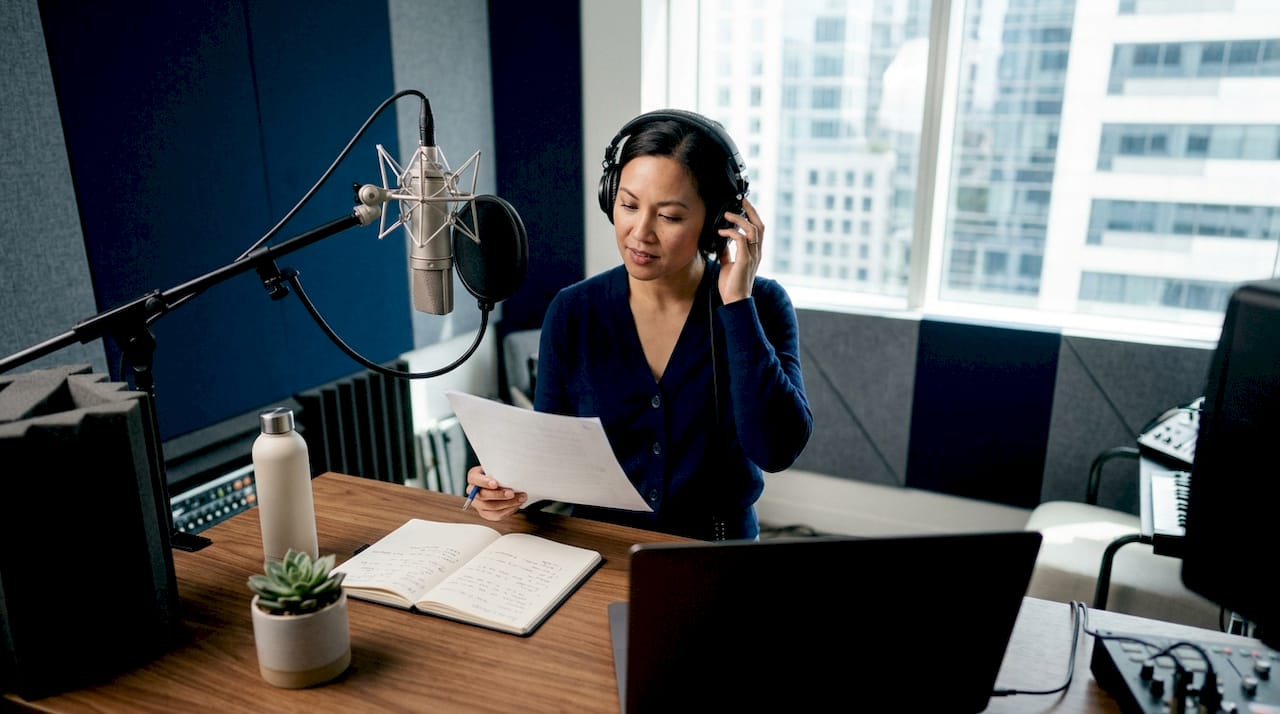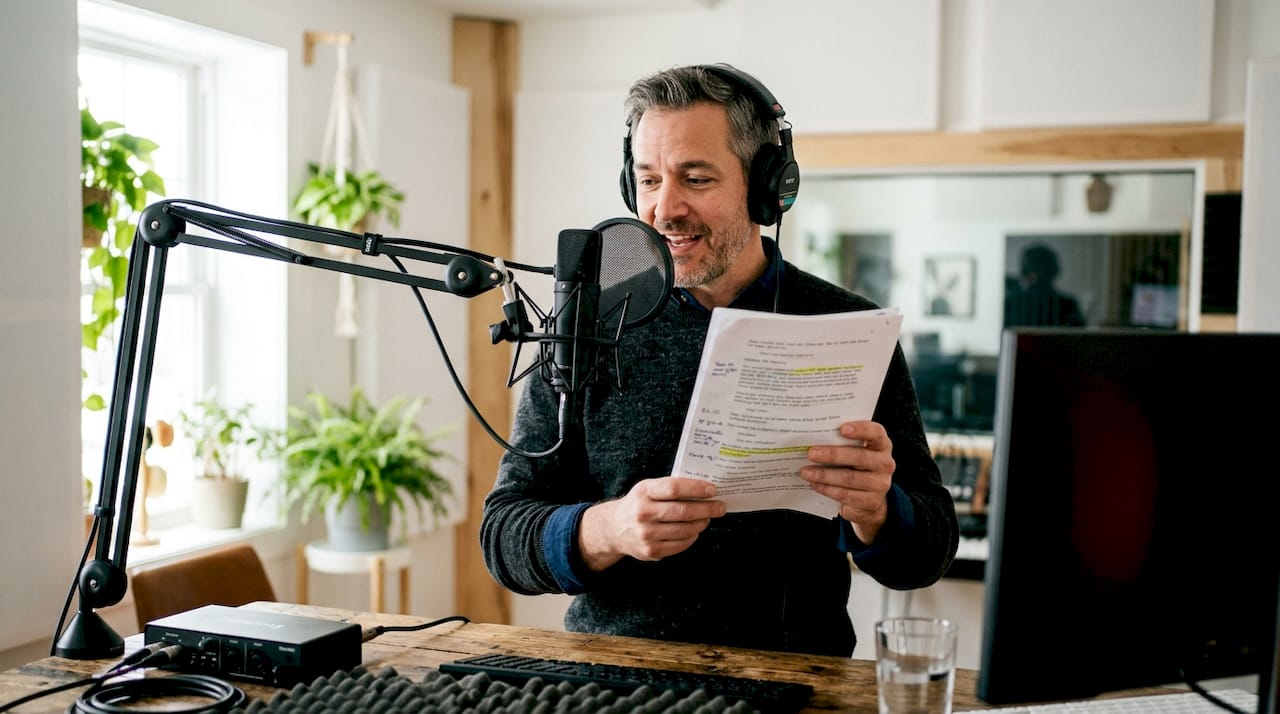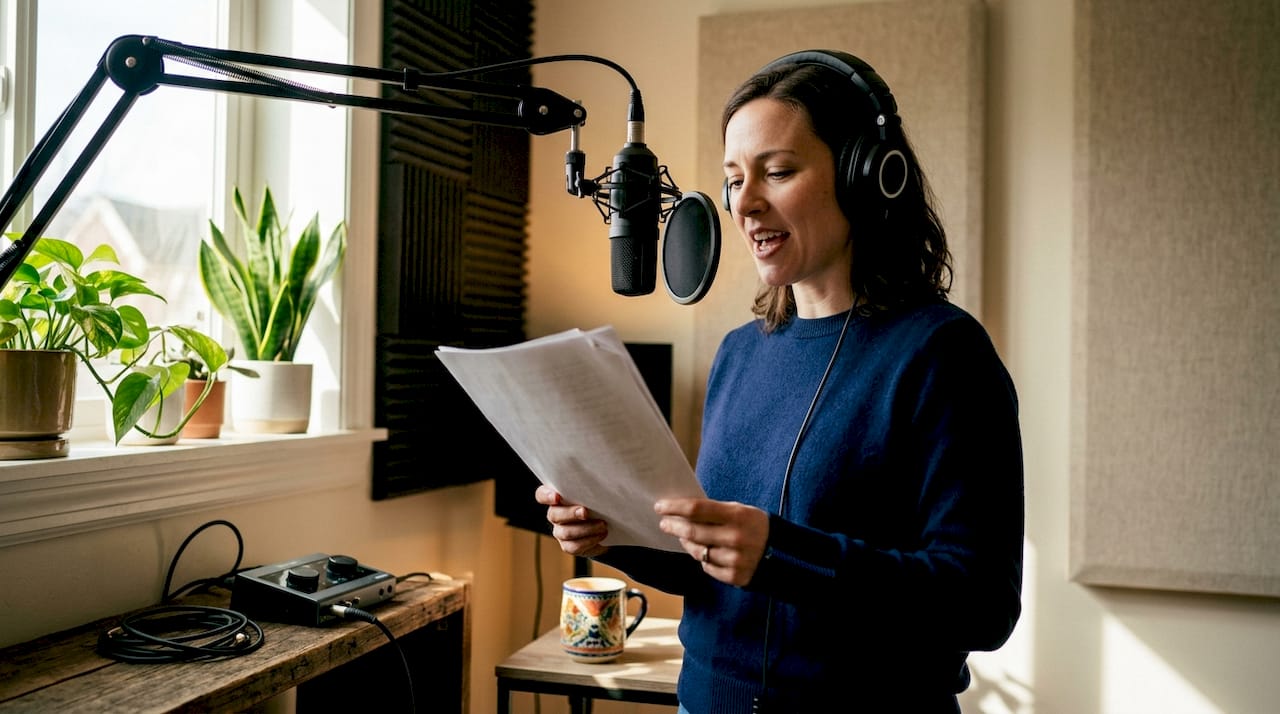
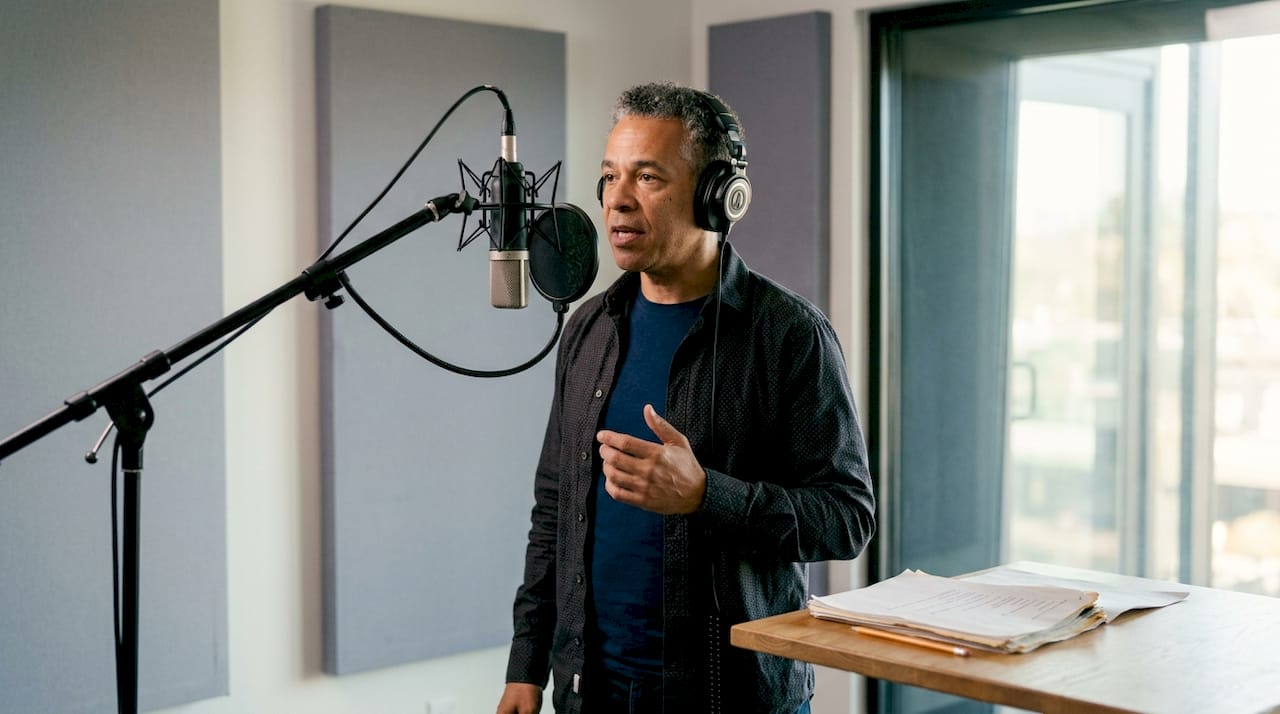
A direct remote voice actor is a professional who records broadcast-quality audio from their own studio while you direct them live through specialized remote-audio platforms, delivering authentic performances without a single plane ticket or studio booking fee. This workflow, formally called a live-directed remote session, has become the standard for advertising agencies, documentary producers, and political media teams who need real emotional nuance on a tight timeline. Platforms like Source Connect, Cleanfeed, and SessionLink Pro make the connection feel close to in-room. Understanding the full process, from gear to live direction technique, is what separates a clean first take from a costly afternoon of retakes.
What does a direct remote voice actor session require?
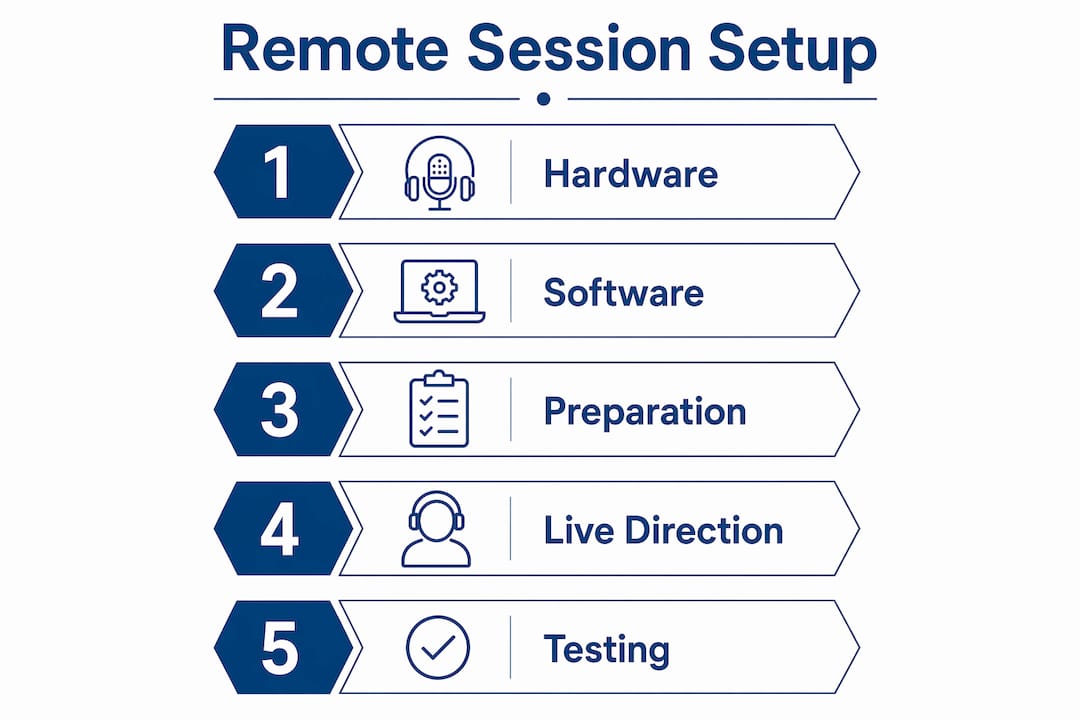
A live-directed remote session runs on three layers: hardware, software, and preparation. Get any one of these wrong and the session stalls before a single line is recorded.
Hardware essentials
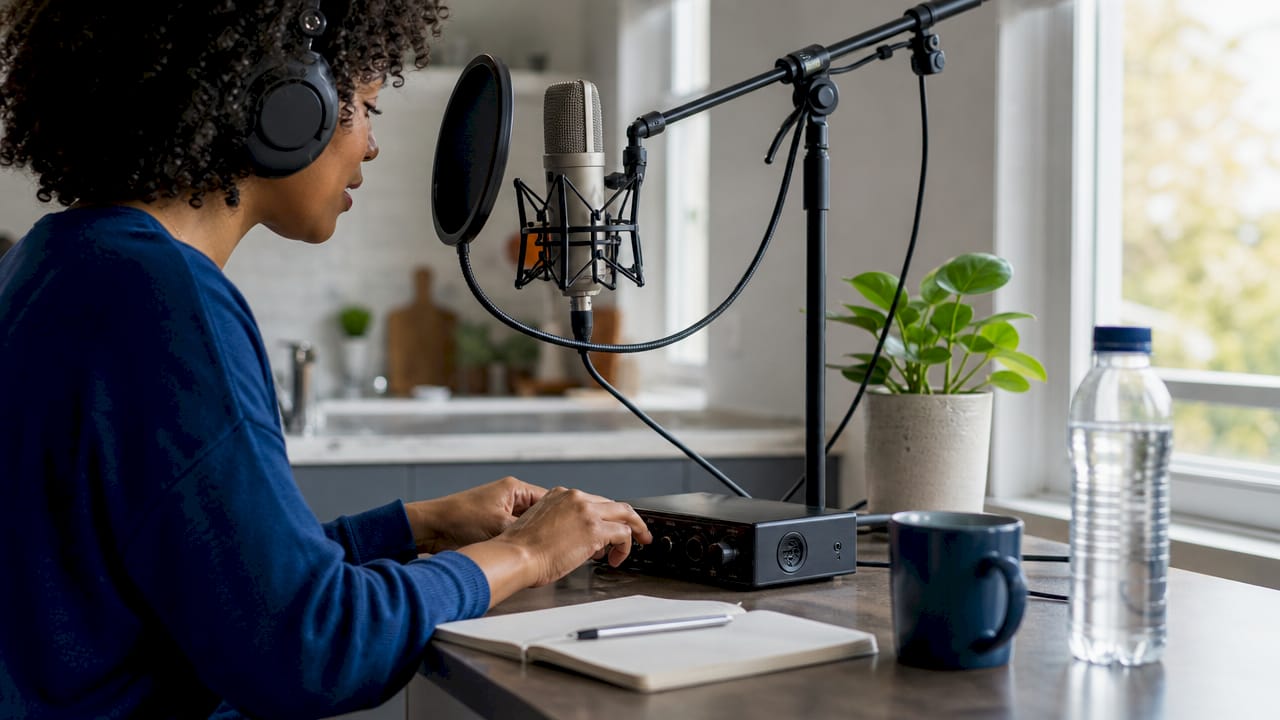
Both the producer and the actor need dedicated gear. On the actor’s side, a large-diaphragm condenser microphone, a low-noise audio interface, and closed-back headphones are the baseline. On the director’s side, a reliable pair of studio monitor headphones and a quiet listening environment are non-negotiable. Consumer laptop speakers cannot reveal the subtle artifacts that kill a broadcast take.
Software platforms for remote sessions
The platform choice depends entirely on project complexity. Source Connect is the industry standard for broadcast and advertising work because it delivers low-latency, high-fidelity audio streaming that simulates an in-studio experience. Cleanfeed runs in a browser and works well for podcast-grade productions and narration. SessionLink Pro sits between the two in terms of setup complexity. For simpler reads, Zoom, Skype, and Google Meet can function, but they compress audio and introduce latency that makes nuanced direction difficult. High-stakes projects always warrant a dedicated broadcast platform.
Pro Tip: Build a one-page platform comparison sheet listing Source Connect, Cleanfeed, and SessionLink Pro with their latency specs and browser requirements. Share it with every new actor before booking so there are no setup surprises on session day.
The table below maps project type to the right platform:
| Project type | Recommended platform | Why |
|---|---|---|
| National TV or radio commercial | Source Connect | Broadcast-grade audio, lowest latency |
| Documentary narration | Cleanfeed | Browser-based, easy actor setup |
| Political ad or campaign spot | Source Connect or Cleanfeed | Reliability under deadline pressure |
| Corporate e-learning or explainer | SessionLink Pro or Zoom | Simpler setup, acceptable quality |
| Quick social media read | Zoom or Skype | Speed over fidelity |
Preparation before the session
Running test calls at least 24 hours before the session is the single most effective way to prevent technical disruptions. Test calls surface latency spikes, gain staging problems, and firewall conflicts before they cost you studio time. Send the actor a marked-up script with pronunciation guides, timing notes, and emphasis cues at the same time you send the session link. A well-prepared actor needs fewer direction notes, which means fewer takes.
How to hire a voice actor remotely for live-directed work
Finding the right voice is a two-step process: identifying candidates and then confirming they can operate in a live-directed workflow. Not every freelance voice actor has Source Connect or a treated recording space.
Where to find remote voice actors
Voice marketplaces like Zinn Hub connect producers directly to verified voice artists, with escrow payment protection and client reviews that give you an honest read on reliability. Platforms like Voice Crafters allow direct contact and live direction without requiring a studio intermediary. Direct hiring through a talent’s own website, such as Gregeschmeyervoice, cuts out marketplace fees and gives you a direct line to the actor’s technical setup and availability.
Steps to hire and coordinate effectively
- Define the project scope. Write a one-paragraph creative brief covering tone, audience, length, and any brand-specific language before you contact anyone. Vague briefs produce vague auditions.
- Request a custom audition. Ask candidates to record 30 seconds of your actual script, not a generic demo. This reveals how they interpret your copy, not how they sound on their best day.
- Confirm technical capability. Ask directly: Do you have Source Connect? What is your interface and microphone? What is your room treatment? A professional actor will answer these questions without hesitation.
- Schedule a tech check. Book a 15-minute call 24 hours before the session to verify audio levels, platform connectivity, and backup options if the primary connection drops.
- Deliver a complete session package. Send the final script, pronunciation guide, timing notes, and any reference audio at least 12 hours before the session. Last-minute script changes are the leading cause of extended sessions.
- Set clear expectations for live direction. Tell the actor upfront whether you will be directing in real time or reviewing takes asynchronously. This changes how they prepare and pace themselves.
Live direction vs. asynchronous delivery
Asynchronous delivery works well for straightforward reads where the script is locked and the tone is clear. The actor records, uploads, and you review on your own schedule. Live direction is the right call for complex emotional performances, political spots where word emphasis matters legally, or any project where the client needs to hear options in real time. Knowing which method fits the project saves both parties significant time.
How to direct voice actors online during a live session
Live direction is a skill. Producers who treat it like a phone call get phone-call-quality performances.
Real-time direction tools let you listen directly to the actor’s microphone feed and provide immediate feedback between takes. That live feedback loop is what reduces re-recording and accelerates approvals on complex performances. The key is giving direction that is specific, brief, and performance-focused rather than technical.
Techniques that produce better takes
- Give one note at a time. Stacking three direction notes between takes overloads the actor. Say “a little warmer on the second sentence” and let them run the take before adding anything else.
- Use reference language, not technical language. “Sound like you’re telling a friend, not reading a script” lands faster than “reduce your formality index.”
- Mark your script before the session. Circle the lines most likely to need multiple takes. Prioritize those early while energy is high.
- Record every take. Even takes you reject in the moment sometimes contain a phrase worth using in the edit.
- Call a short break after 45 minutes. Vocal fatigue is real and shows up in the audio before the actor notices it.
Pro Tip: Before the session starts, ask the actor to give you one “cold read” take with no direction. This baseline take often reveals their natural instinct for the copy, which is frequently closer to what you want than you expect.
Clear creative briefs combined with low-latency monitoring improve session quality more than physical presence does. The technology closes the distance. Your preparation closes the creative gap.
What are the most common challenges in remote voice sessions?
Technical and creative problems in remote sessions follow predictable patterns. Knowing them in advance means you resolve them in minutes rather than hours.
- Latency spikes mid-session. This usually means bandwidth congestion on either end. Ask the actor to disconnect other devices from their network and switch to a wired ethernet connection if possible.
- Audio quality drops unexpectedly. Check the actor’s sample rate and buffer settings in their audio interface software. A mismatch between the interface and the platform causes crackling and dropouts.
- Late script changes. If a client sends revised copy during the session, pause the recording, send the new file, give the actor five minutes to read it silently, then resume. Rushing a cold read of new copy wastes more time than the pause costs.
- Connection failure. Always agree on a backup platform before the session starts. If Source Connect drops, Cleanfeed or a Zoom call can capture a usable take while the primary connection is restored.
- Communication breakdowns. If the actor is consistently missing the tone you want, the problem is almost always in the brief, not the performance. Stop and describe the emotional context of the scene rather than repeating the same direction note louder.
“The quality of remote voice direction hinges more on latency and briefing than physical proximity. Clear communication in live sessions bridges the gap effectively.” Source Connect Voice Over: The Complete Guide
Detailed scripts with pronunciation and timing notes decrease the need for retakes by improving actor preparation before the session even begins. Send those notes every time, without exception.
Key takeaways
The most effective remote voice directing combines low-latency platforms, detailed pre-session briefs, and specific real-time feedback to produce authentic performances without studio overhead.
| Point | Details |
|---|---|
| Choose the right platform | Use Source Connect or Cleanfeed for broadcast work; reserve Zoom for simple reads only. |
| Test 24 hours before | Run a full tech check the day before to catch latency, gain, and connectivity issues early. |
| Brief before you direct | Send a marked-up script with pronunciation and timing notes at least 12 hours before the session. |
| Give one note at a time | Stacking direction notes between takes slows sessions; one clear note per take produces faster results. |
| Know when to go async | Use live direction for complex or high-stakes projects; asynchronous delivery works for straightforward reads. |
Why live remote directing changed how I think about voice production
The first time I directed a voice session entirely over Source Connect, I expected it to feel like a compromise. It did not. What surprised me was how much the constraint of remote communication sharpened my direction. When you cannot walk into the booth and demonstrate a line, you are forced to articulate exactly what you want in words. That discipline produces better direction notes than most in-person sessions I have been part of.
The other shift I did not anticipate was access. Remote technology removes the geographic ceiling on talent selection entirely. A political media team in Washington, D.C. can now work with a voice actor in Cincinnati whose tone fits the spot perfectly, without flying anyone anywhere. That is not a minor convenience. It fundamentally changes how producers select voice talent because the decision is now purely about the voice, not the logistics.
My advice for producers new to this workflow: resist the urge to over-direct in the first session. Give the actor room to bring something you did not write into the brief. The best takes in remote sessions often come from the actor’s instinct, not from the director’s fifth note. Trust the process, prepare thoroughly, and the technology will handle the rest.
— kribi
Professional remote voice services at Gregeschmeyervoice
Producers who need a reliable, broadcast-ready voice for commercials, political spots, documentaries, or corporate media can work directly with Gregeschmeyervoice without booking a studio or coordinating travel.
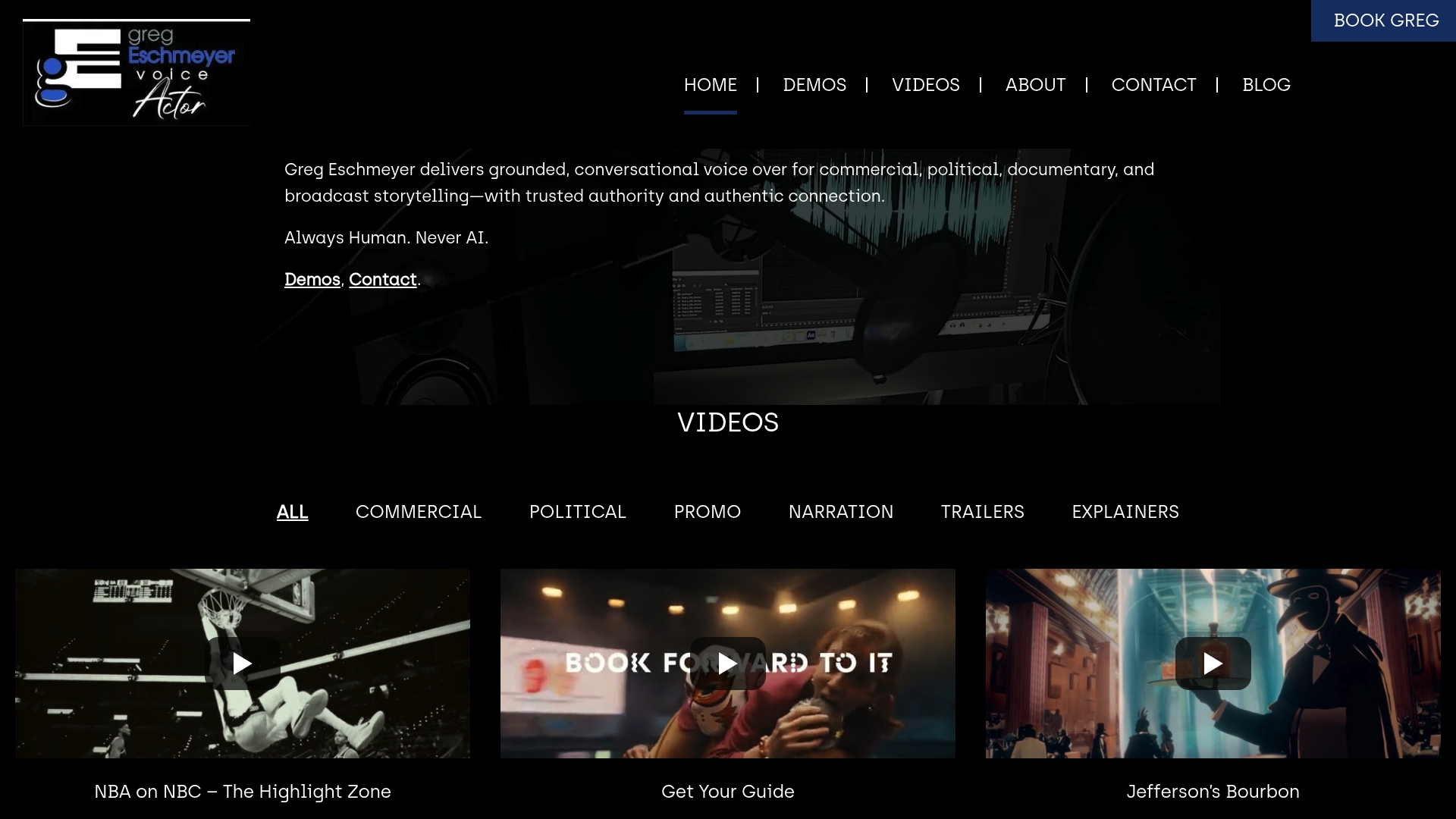
Greg Eschmeyer delivers a grounded, conversational style built for authentic emotional connection, with quick turnaround and full live-direction capability through Source Connect and Cleanfeed. Clients consistently highlight his professionalism and ability to match the specific tone a project demands on the first or second take. Browse professional voice actor services at Gregeschmeyervoice.com to request samples, review demos, and initiate your next project directly. For producers evaluating platform options, the remote recording tool guide covers setup details for every major platform.
FAQ
What is a live-directed remote voice session?
A live-directed remote session is a recording workflow where a producer directs a voice actor in real time through platforms like Source Connect or Cleanfeed while the actor records locally in their own studio. The result is broadcast-quality audio delivered without travel or studio booking costs.
Which platforms work best for remote voice directing?
Source Connect is the industry standard for broadcast and advertising work due to its low latency and high audio fidelity. Cleanfeed works well for narration and documentary projects, while Zoom and Skype suit simpler reads where audio compression is acceptable.
How do I hire a voice actor remotely for a direct session?
Request a custom audition using your actual script, confirm the actor has Source Connect or Cleanfeed, and run a tech check 24 hours before the session. Voice marketplaces like Zinn Hub and direct talent sites like Gregeschmeyervoice.com both support this workflow.
When should I use live direction vs. asynchronous delivery?
Live direction is best for complex emotional performances, political spots, and projects where real-time client approval matters. Asynchronous delivery works well for straightforward reads with a locked script and clear creative notes.
How do I reduce retakes in a remote voice session?
Send a marked-up script with pronunciation guides, timing notes, and emphasis cues at least 12 hours before the session. Give one direction note per take during the session, and run a full tech check the day before to eliminate technical interruptions.